
Follow one piece of work through the business
An inquiry becomes a record. A document arrives, someone checks it, and a colleague copies the details into another tool. A missing field sends the whole thing back to the inbox.
We map that path before adding AI. Straightforward rules stay deterministic. AI handles the parts that need to interpret a message or an irregular document.
What a back-office build covers
- One end-to-end workflow across up to three agreed systems.
- Intake, validation and extraction from a defined set of document or message types.
- Draft records or updates with review at the agreed checkpoints.
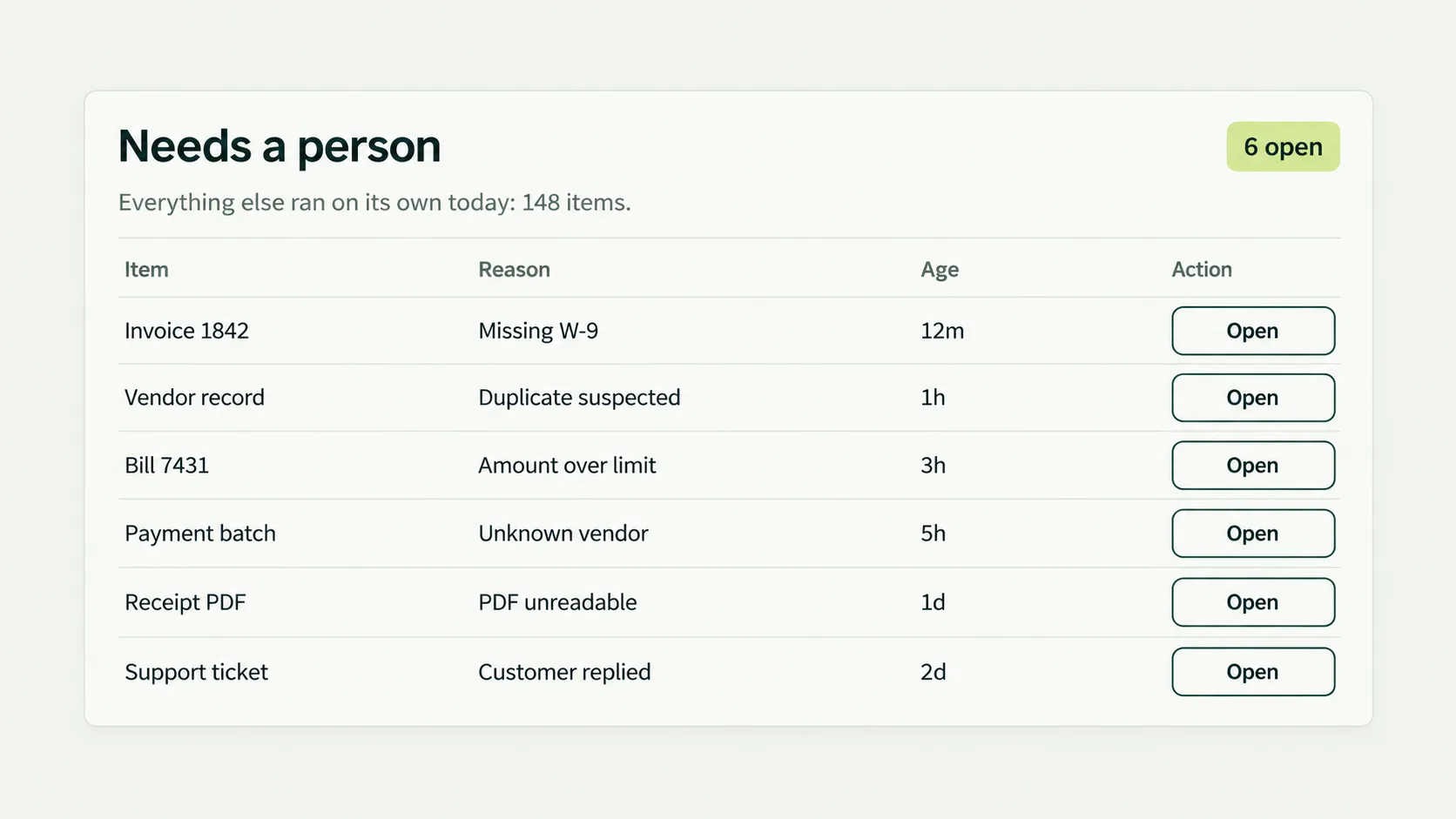
- Duplicate detection, retry handling and an exception queue.
- A runbook and acceptance checks using representative examples.
Useful starting points
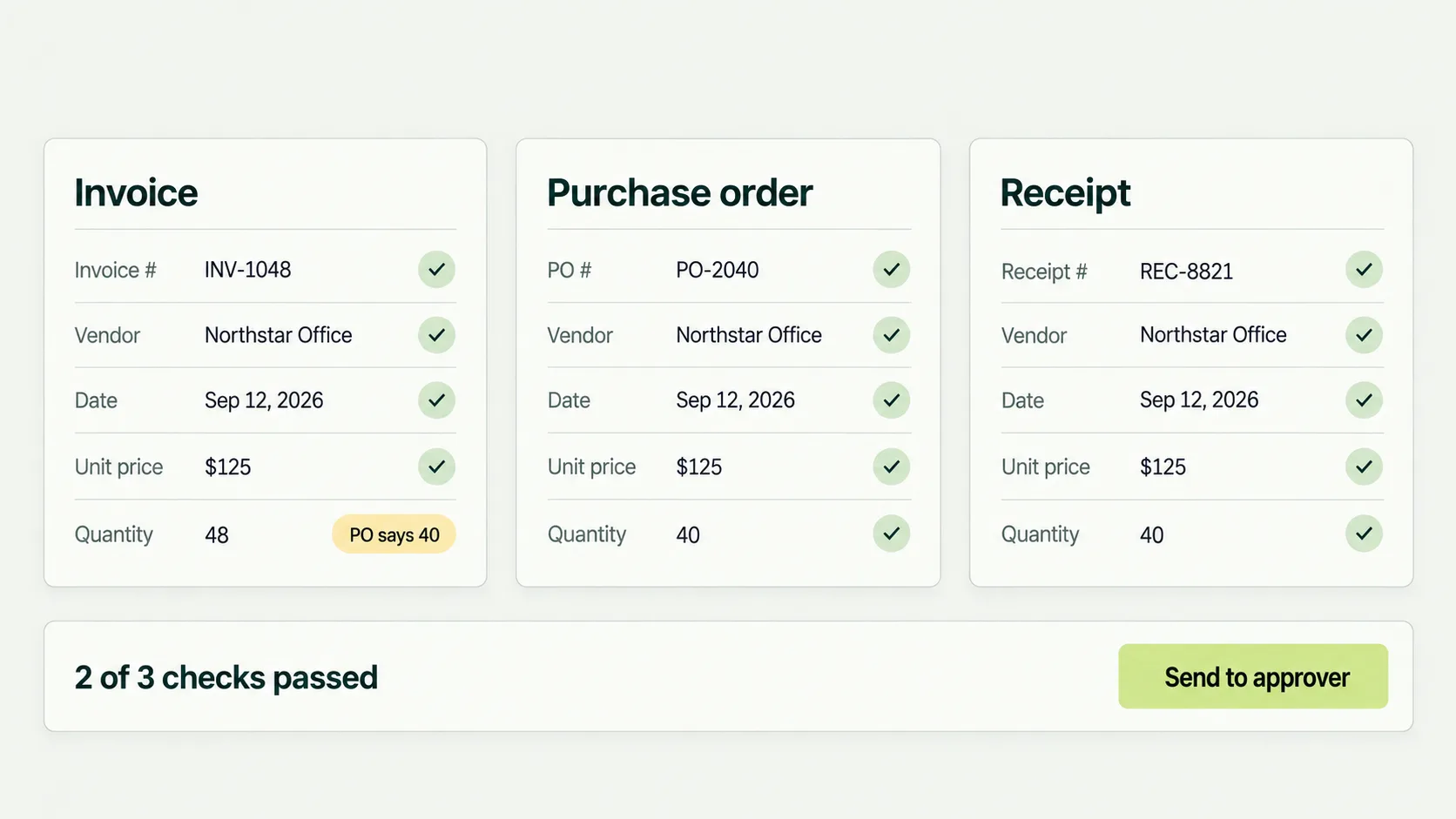
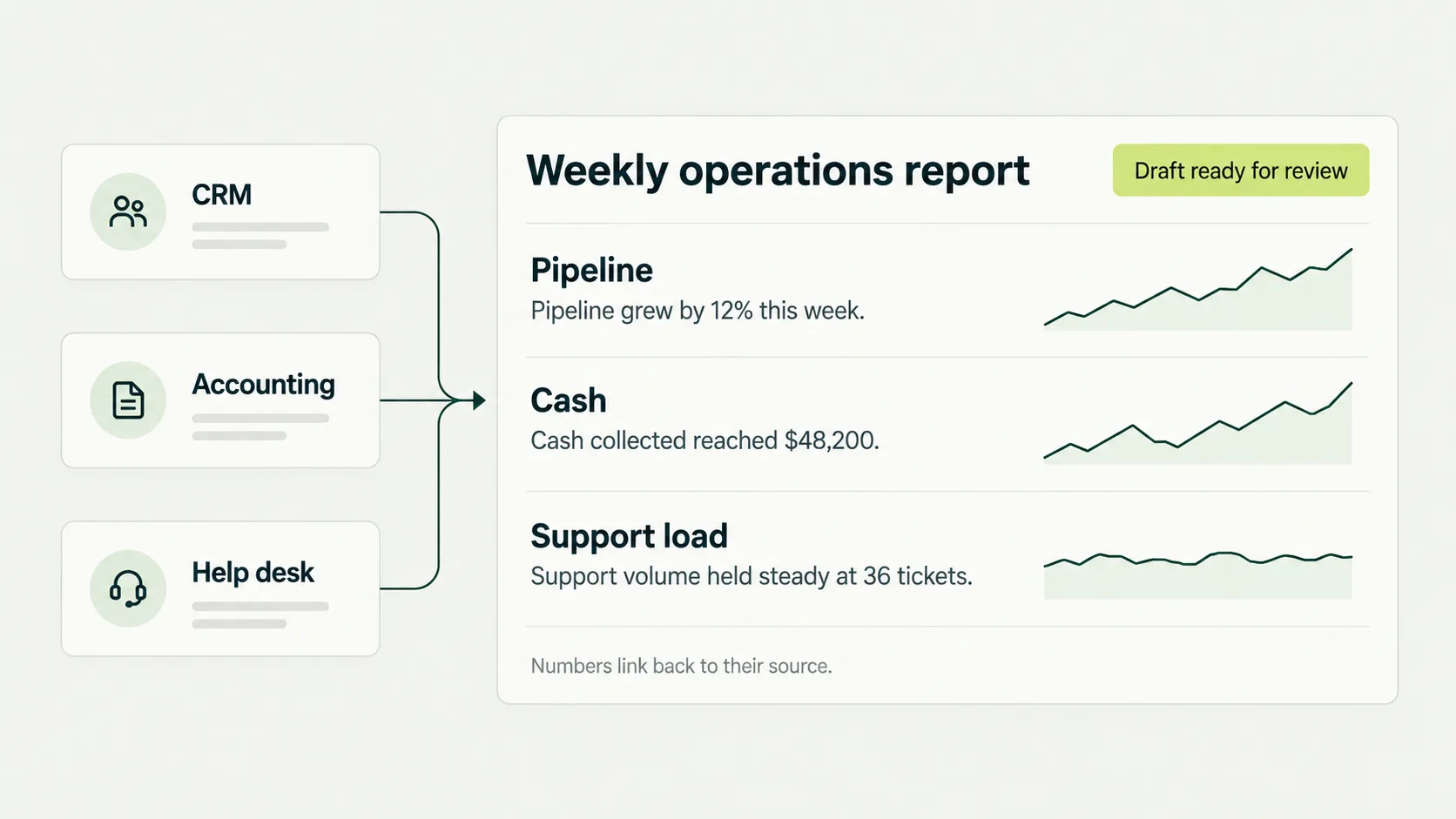
Prepare job information from an inquiry. Check whether an onboarding file is complete. Assemble an operations report. Draft a follow-up when a required document is missing. Match each proposed workflow to the actual workload before choosing it.
We do not start by replacing QuickBooks, your CRM or the spreadsheet your team depends on. We first check what can be connected safely.
Make recovery ordinary
Connections fail and documents change. The build needs a visible status, an owner for exceptions and a safe way to retry. A workflow that silently loses work is not ready for production.
Related: custom AI agents and the AI opportunity audit. See also how we handle your data.
Can you work with a legacy system?
We inspect its API, export and access options first. Where a supported connection is unavailable, we explain the tradeoff and price the additional work separately.
Does every step need AI?
No. Rules are often simpler and easier to check. We use AI where interpreting unstructured information adds value.